Connection Lost
Attempting to reconnect
Something went wrong
Hang in there while we get back on track
Connect with the client application
MongooseIM Web Client
1. The MongooseIM Web Client is available immediately on our
webpage.
We encourage you to use the "Enhanced" host type when creating your domain for the best experience.
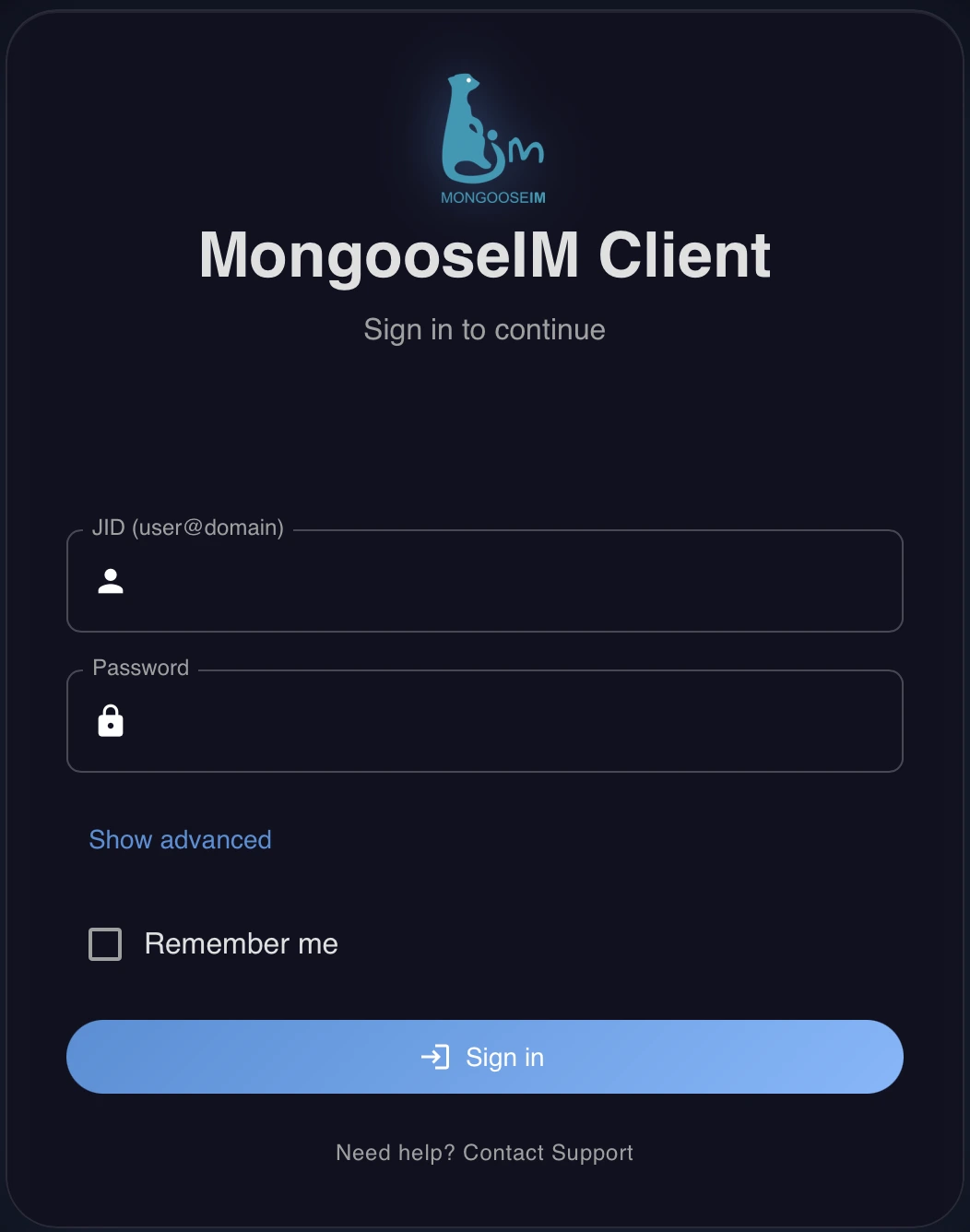
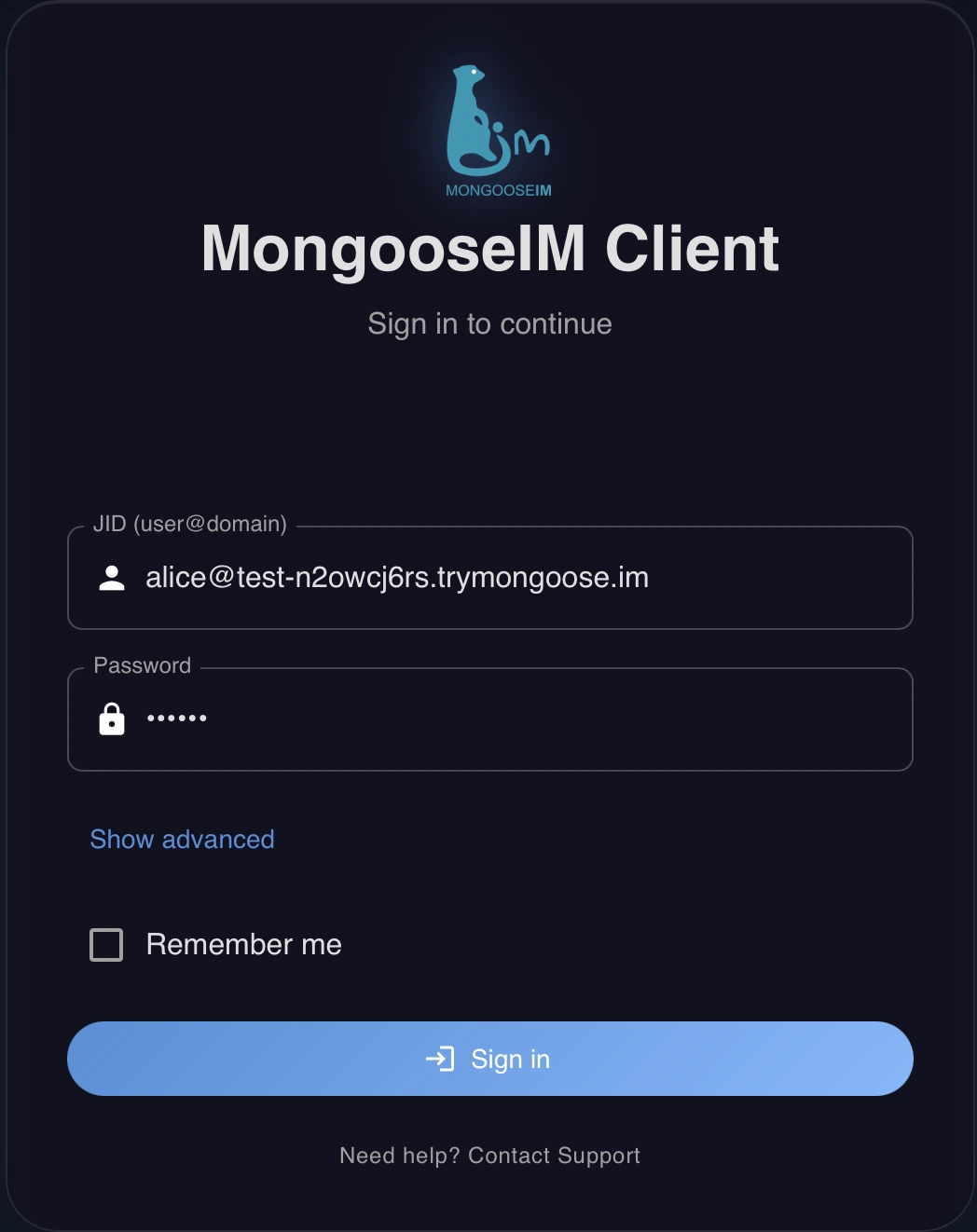
2. To log in as a chat user, insert user's JID
and password.
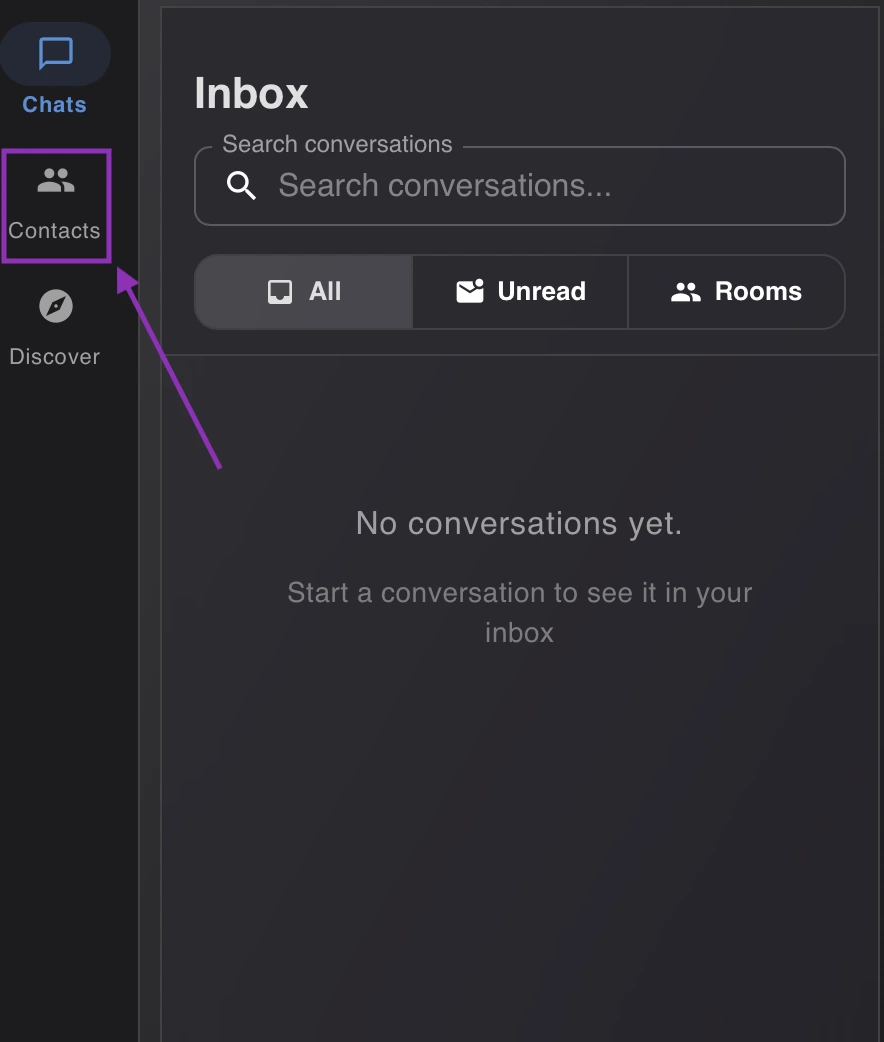
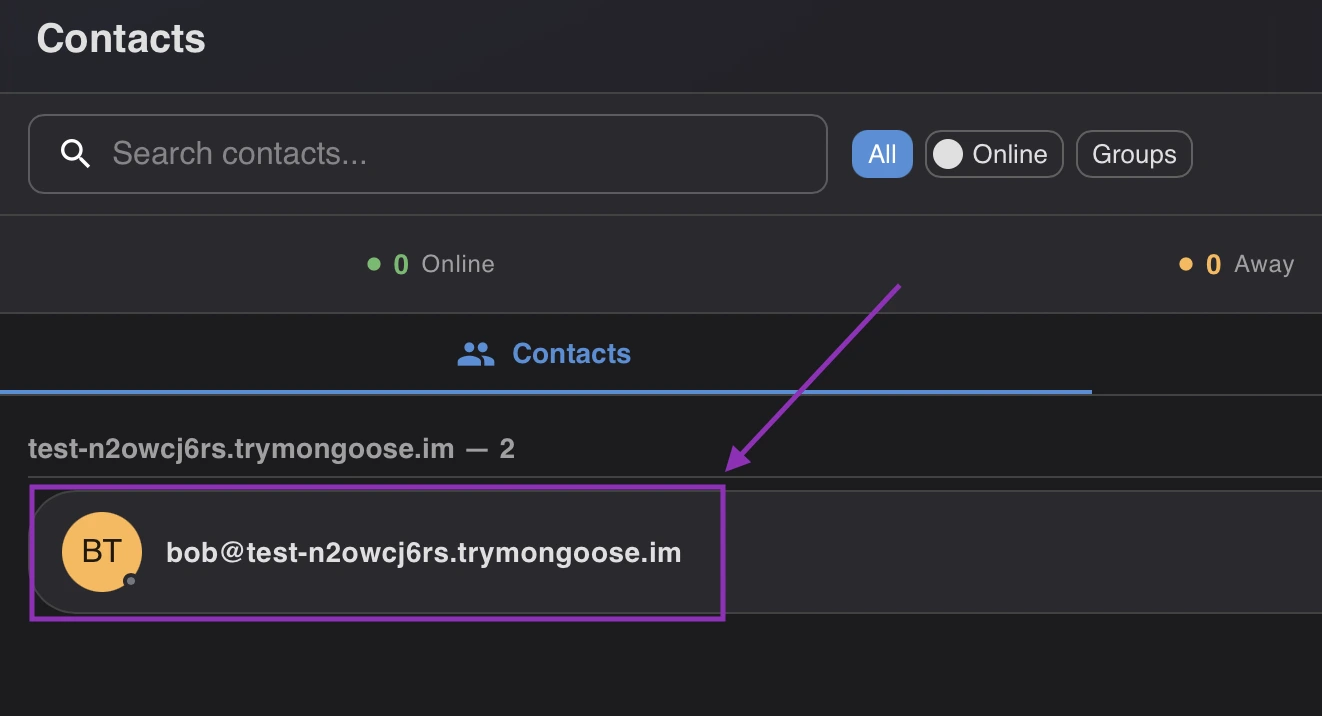
3. To send a message to another user, firstly click on the "Contacts" field on the left side of the screen and then click on the user from the list.
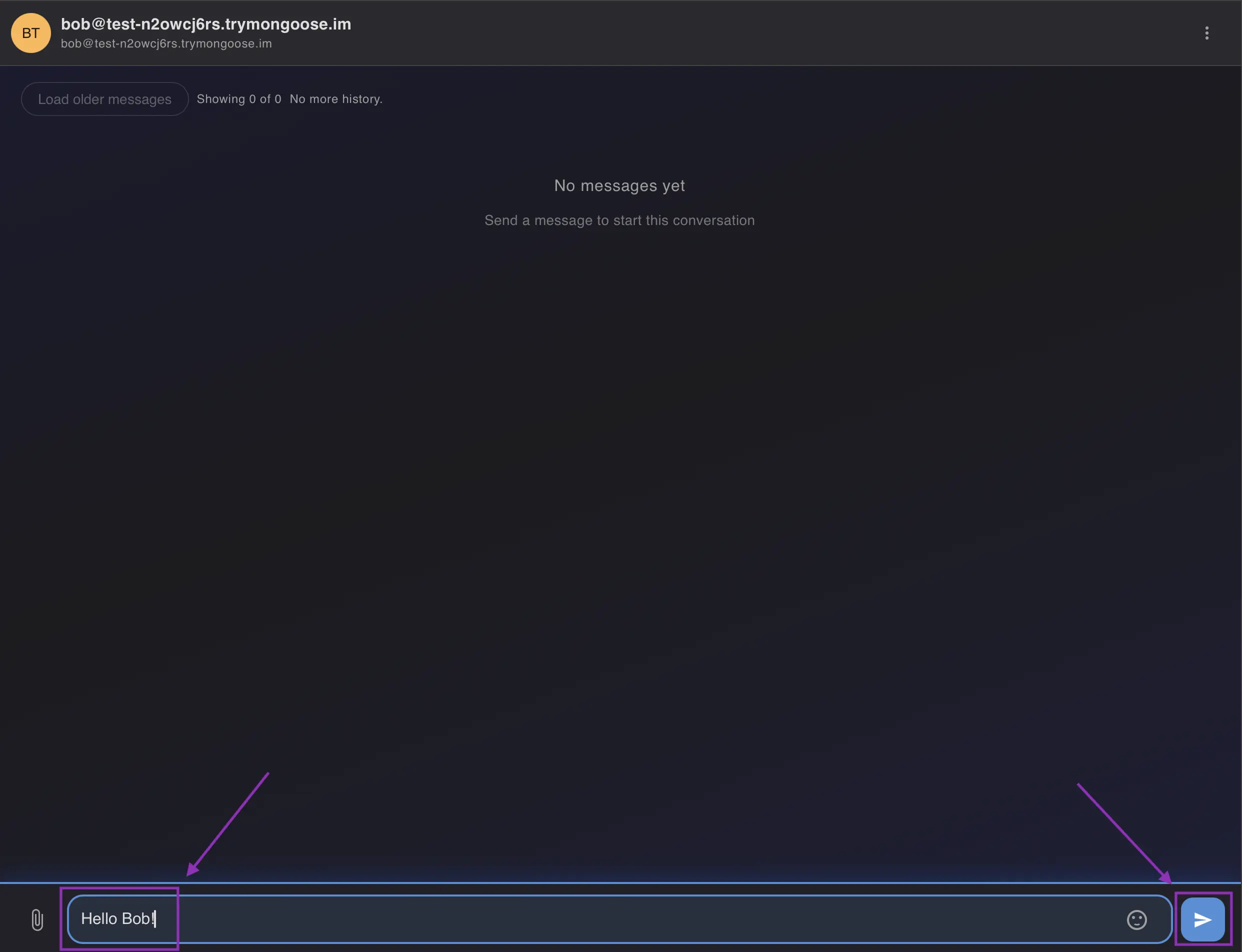
4. Write the message and send it using the arrow button.
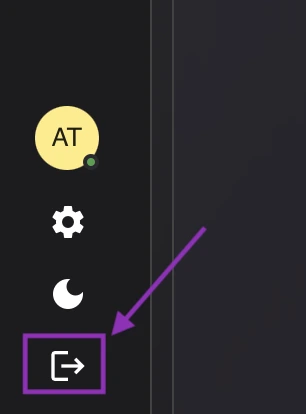
5. To log out from the user's account, click on the button in the bottom-left corner.